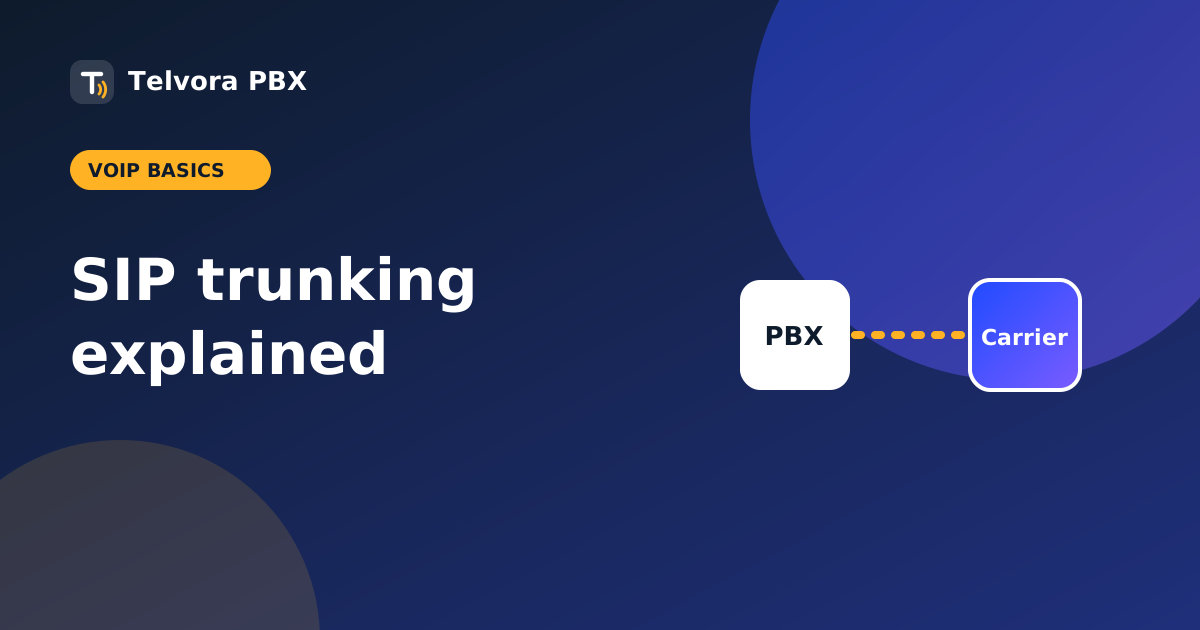
A SIP trunk is a virtual phone line that connects your PBX to the public phone network over the internet. It replaces the physical lines that used to run into the building, and it is usually cheaper and easier to scale.
How it works
Your PBX talks to a carrier using the SIP protocol. The carrier sends incoming calls to your PBX and takes outgoing calls to the phone network. Two things are involved: signaling (SIP sets the call up) and media (RTP carries the voice). Connection is by registration with a username and password, or by IP authentication where the carrier trusts your server address.
SIP trunk vs PRI and analog
- Analog lines: one line per call, needs ports and hardware.
- PRI: a physical digital circuit with a fixed number of channels.
- SIP trunk: channels over your internet connection, added or removed in minutes.
How SIP trunks are priced
- Per channel: you pay for each simultaneous call you can make, often with included minutes.
- Metered: you pay per minute with no fixed channel fee.
- Unlimited: a flat price, usually with fair-use limits.
Add the cost of phone numbers (DIDs) and any fax channels.
Choosing a provider: a checklist
- Fax: does it support T.38? Fax over IP fails often without it.
- Codecs: G.711 and G.729 at least, and what you need for wideband.
- Redundancy: a second server or failover route.
- Number porting: can you keep your existing numbers?
- Quality: ask about call quality and latency from your region.
- Rules: check local telecom rules and emergency-calling requirements for your country.
- Support: a real person you can reach when calls fail.
Sizing your internet connection
Each G.711 call uses roughly 80 to 90 kbps each way. Use the SIP bandwidth calculator to size your link, and keep some headroom for other traffic.
Setting one up on a PBX
Add the trunk with the provider's host, username and password or your IP, choose codecs, set an outbound route and inbound route for your numbers, then test incoming, outgoing and fax calls.
Common problems
- One-way audio: usually NAT or firewall settings blocking RTP.
- Registration fails: wrong credentials, or the provider blocks your IP.
- Menu keys not working: a DTMF mismatch between PBX and carrier.
- Fax fails: no T.38 or a compressed codec. See fax to email on Asterisk.
New to the terms? Check the glossary, or read what a PBX is.